
Everything a client project needs, in one WordPress plugin.
Plan it, do it, share it, connect it. Fifteen features, all included in every licence, each with an off switch.
Plan the work four ways.
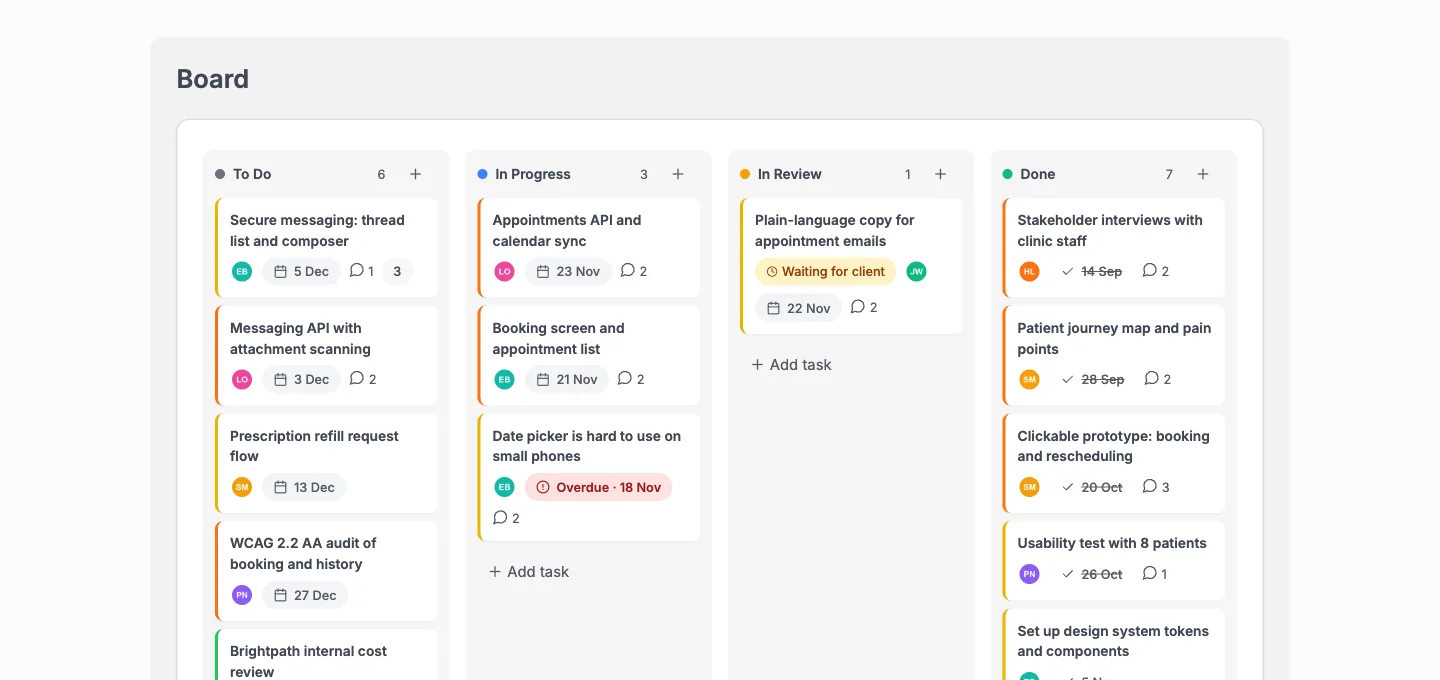
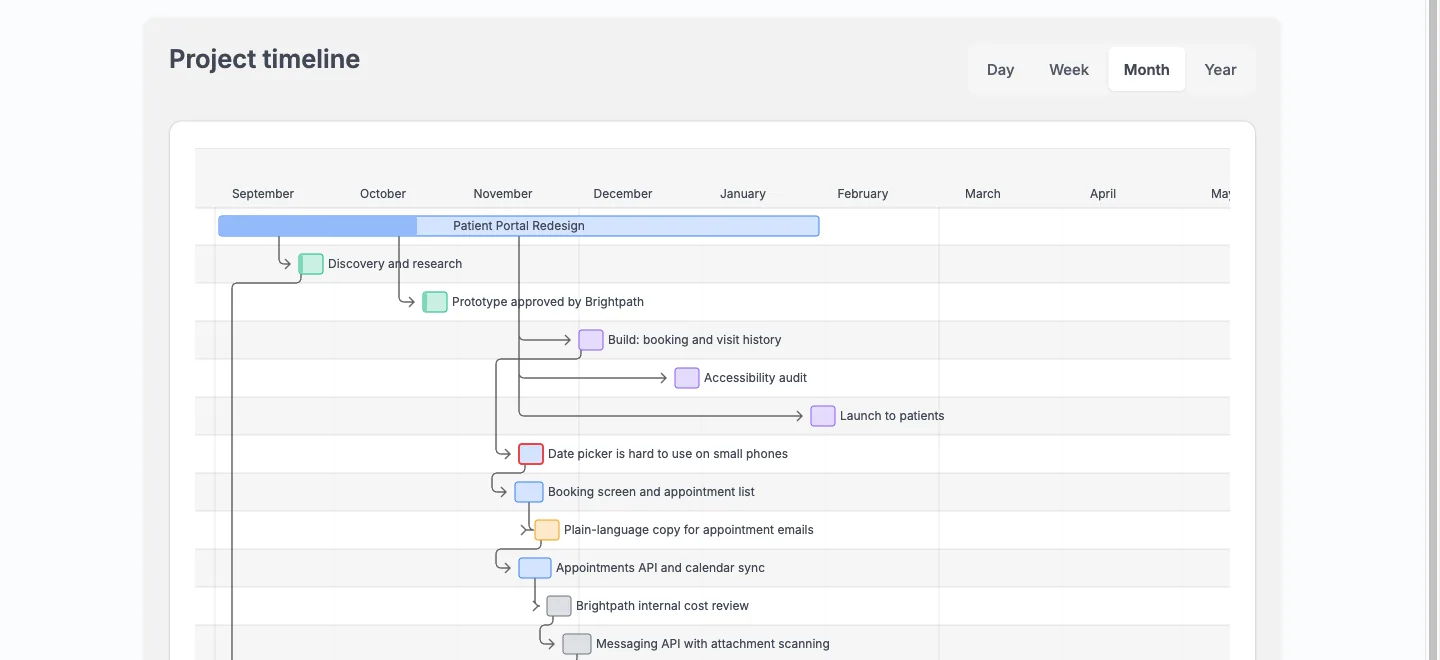
The Board, a Gantt timeline, a calendar and a task list show the same work, so you move a card once and every view agrees.
- Drag cards through columns, or use the keyboard.
- Dependencies draw as arrows on the timeline, and overdue work is marked.
- Month and week views, with a feed you can subscribe to from any calendar app.
- Save a project as a template and start the next client from it.
Do the work, and know the hours.
Tasks carry what a studio needs, and time tracking sits on the task, not in another tool.
- Subtasks, checklists, labels, custom fields and recurring schedules.
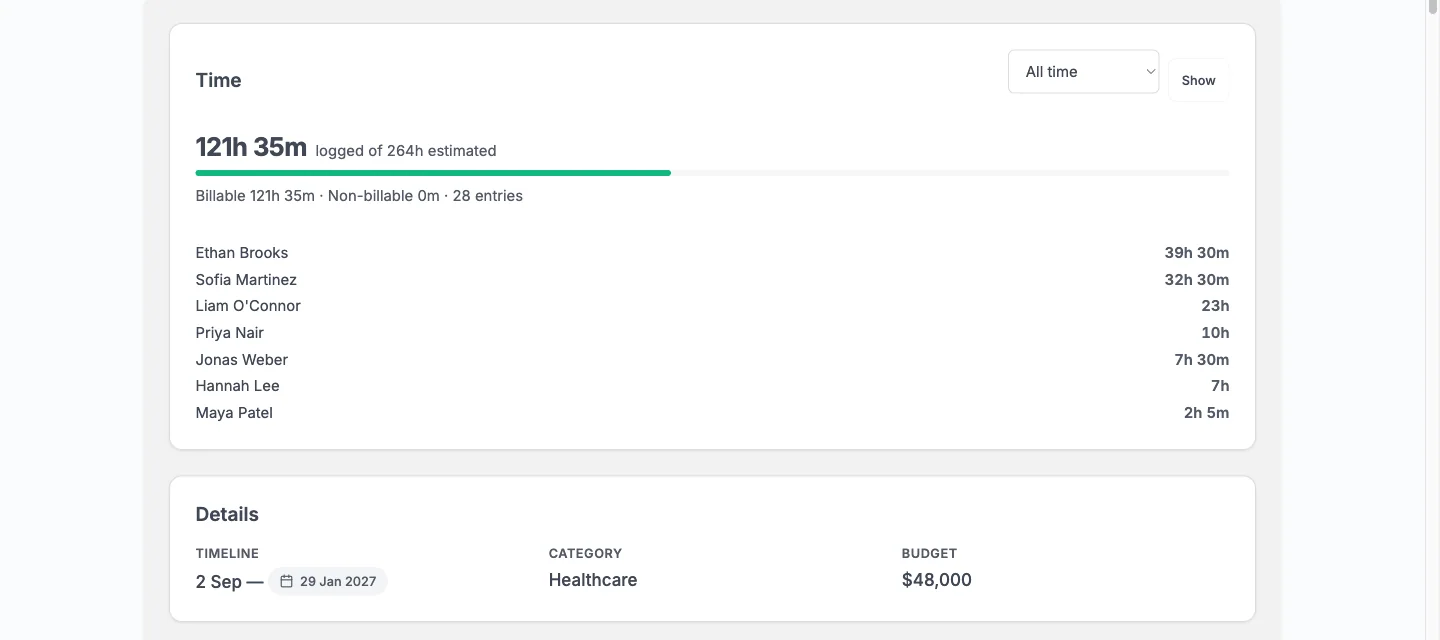
- Log time on any task, billable or not, and compare logged with estimated.
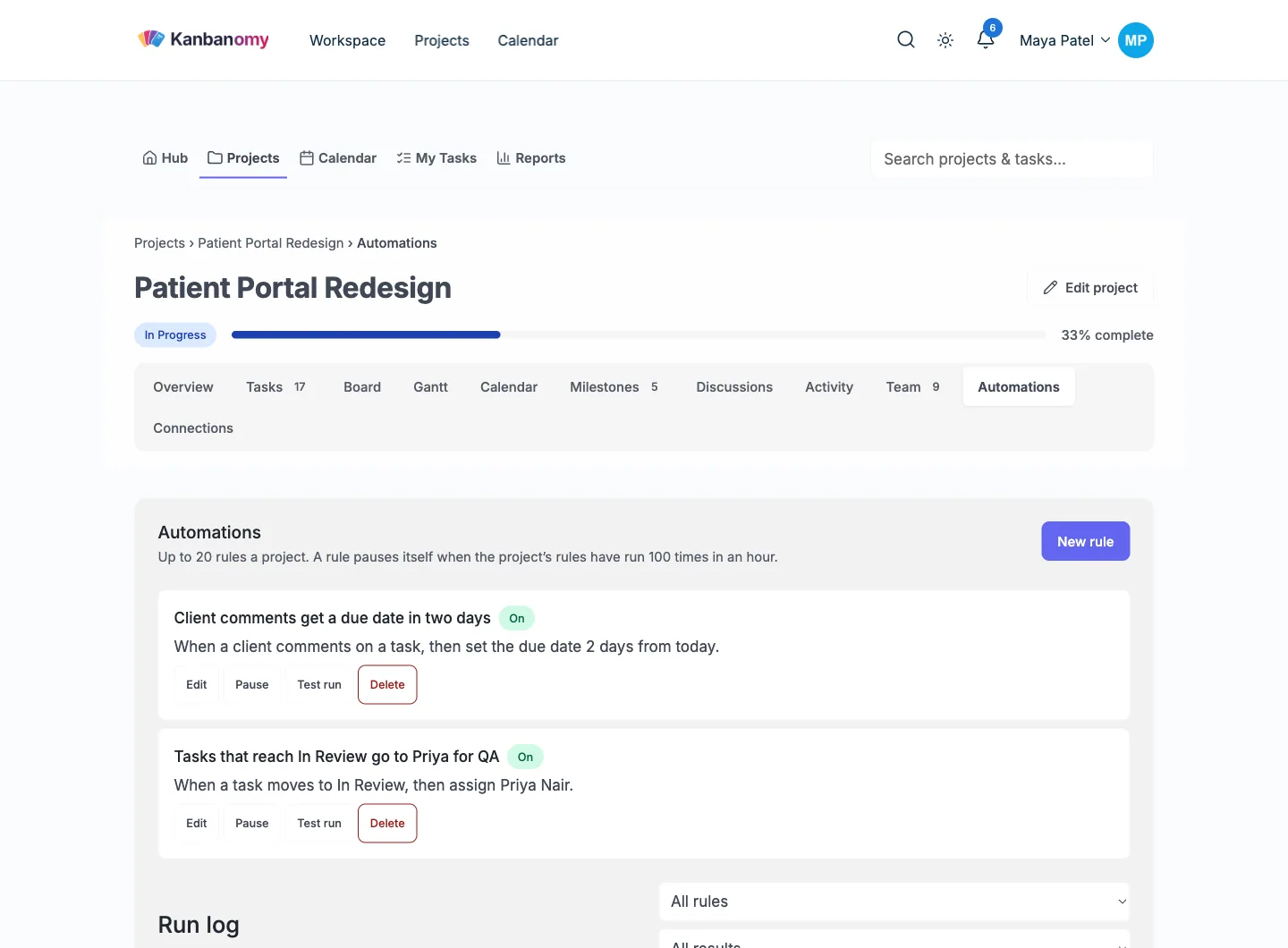
- Automations: when a task reaches In Review, assign QA. Rules pause themselves if they loop.
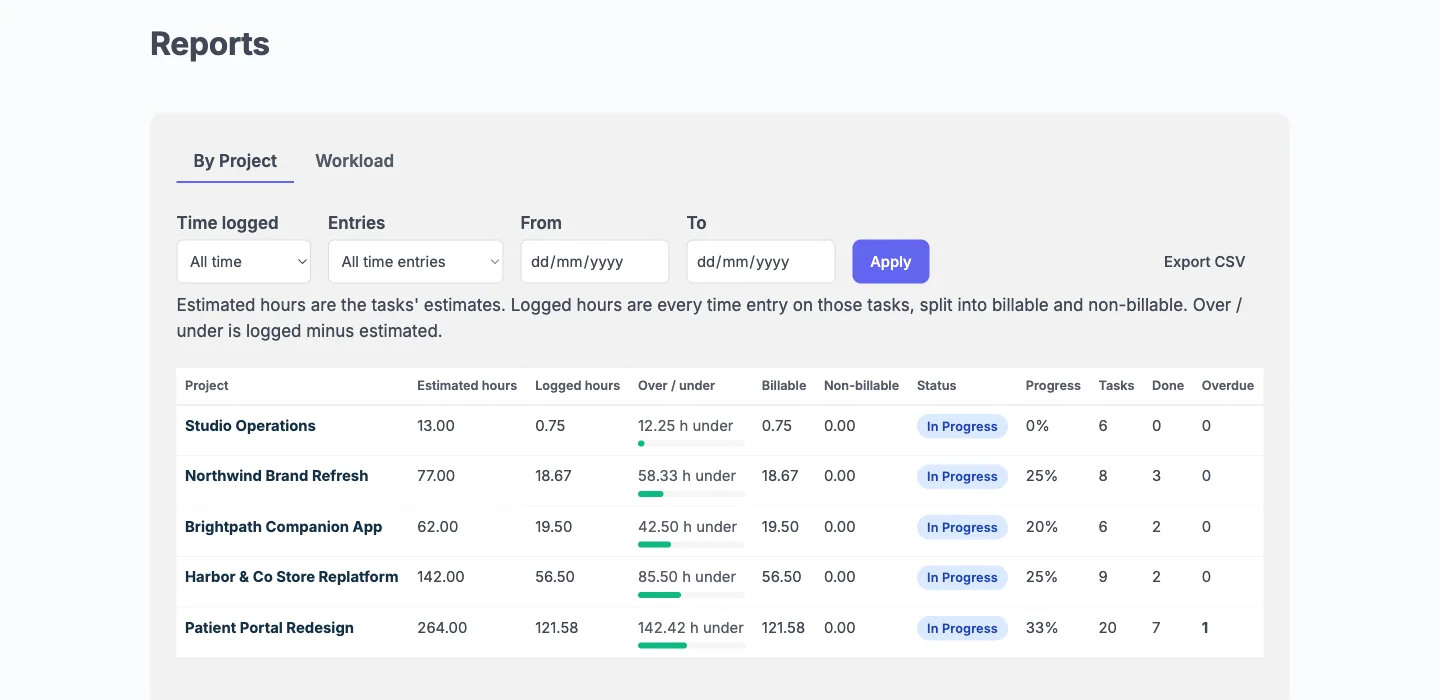
- Reports by project and by person, with CSV export.
Share the right part with the client.
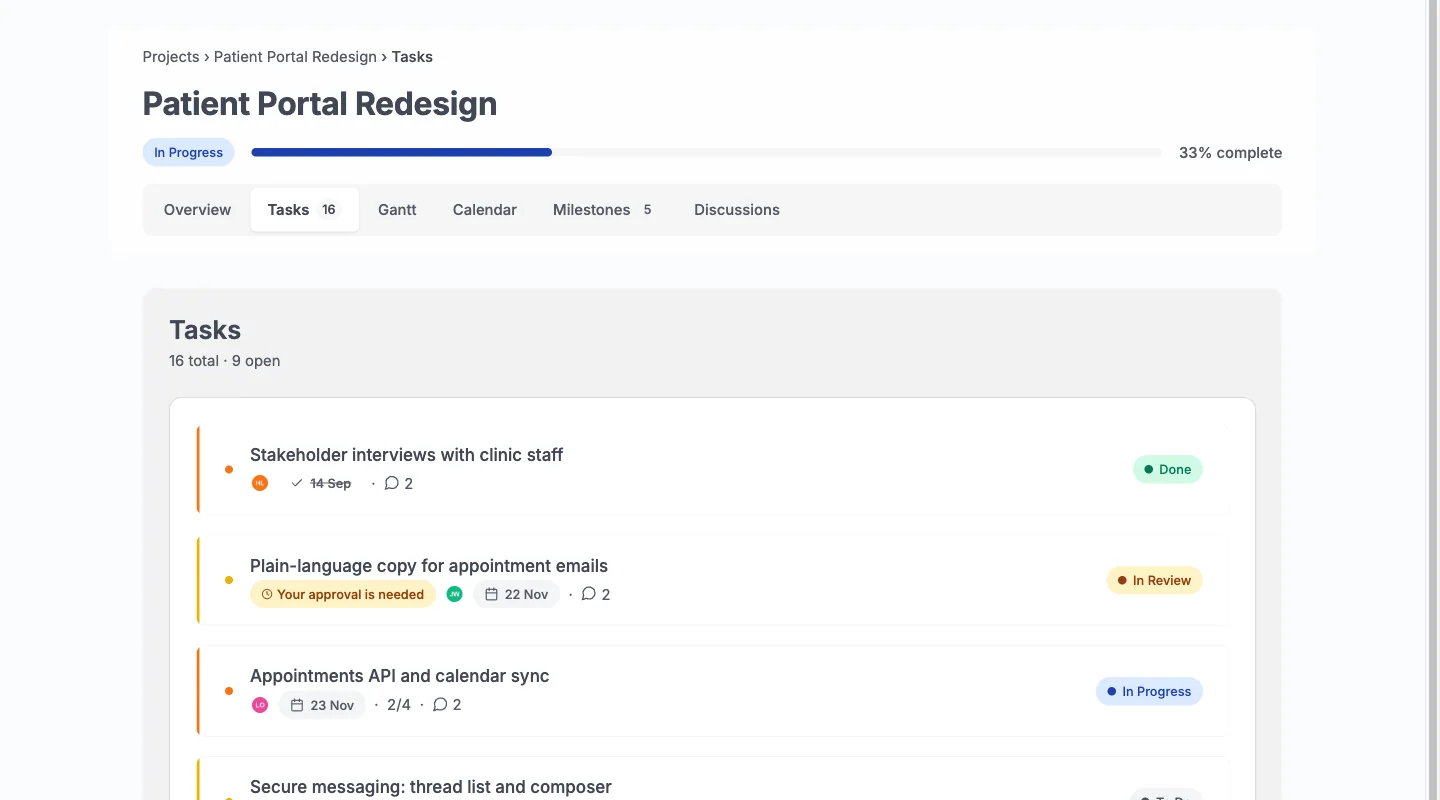
A Client role with no wp-admin sees the shared tasks, milestones and Gantt. Internal work never reaches them.
- Ask a client to approve a task. They approve or ask for changes in one click.
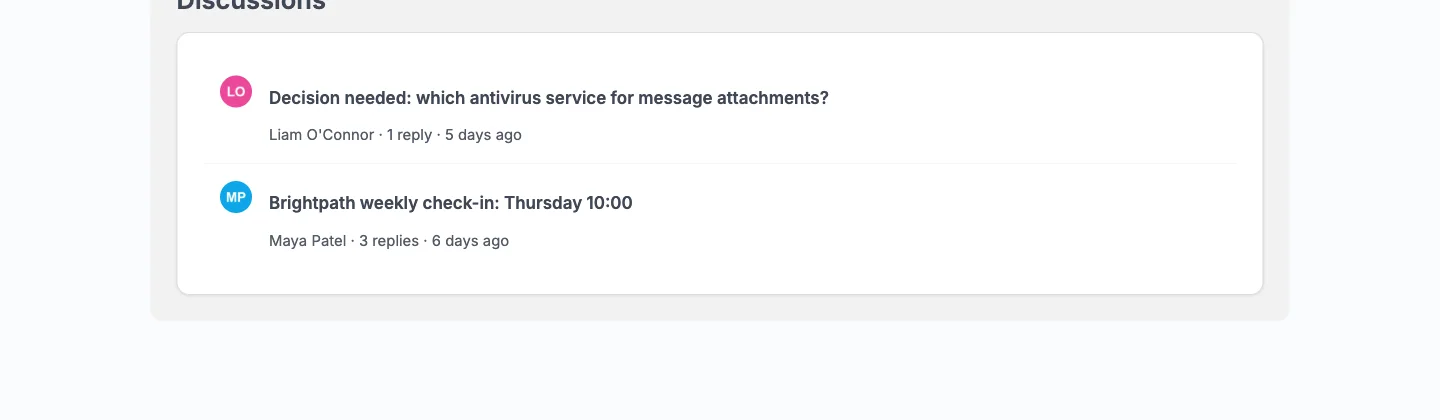
- Discussions are team only or shared with clients, thread by thread.
- Intake forms send proposals to an approval queue. Guest submissions are off by default.
- The budget stays hidden unless you turn it on for a project.
Connect it to the tools you use.
Kanbanomy talks to the rest of your site and your team.
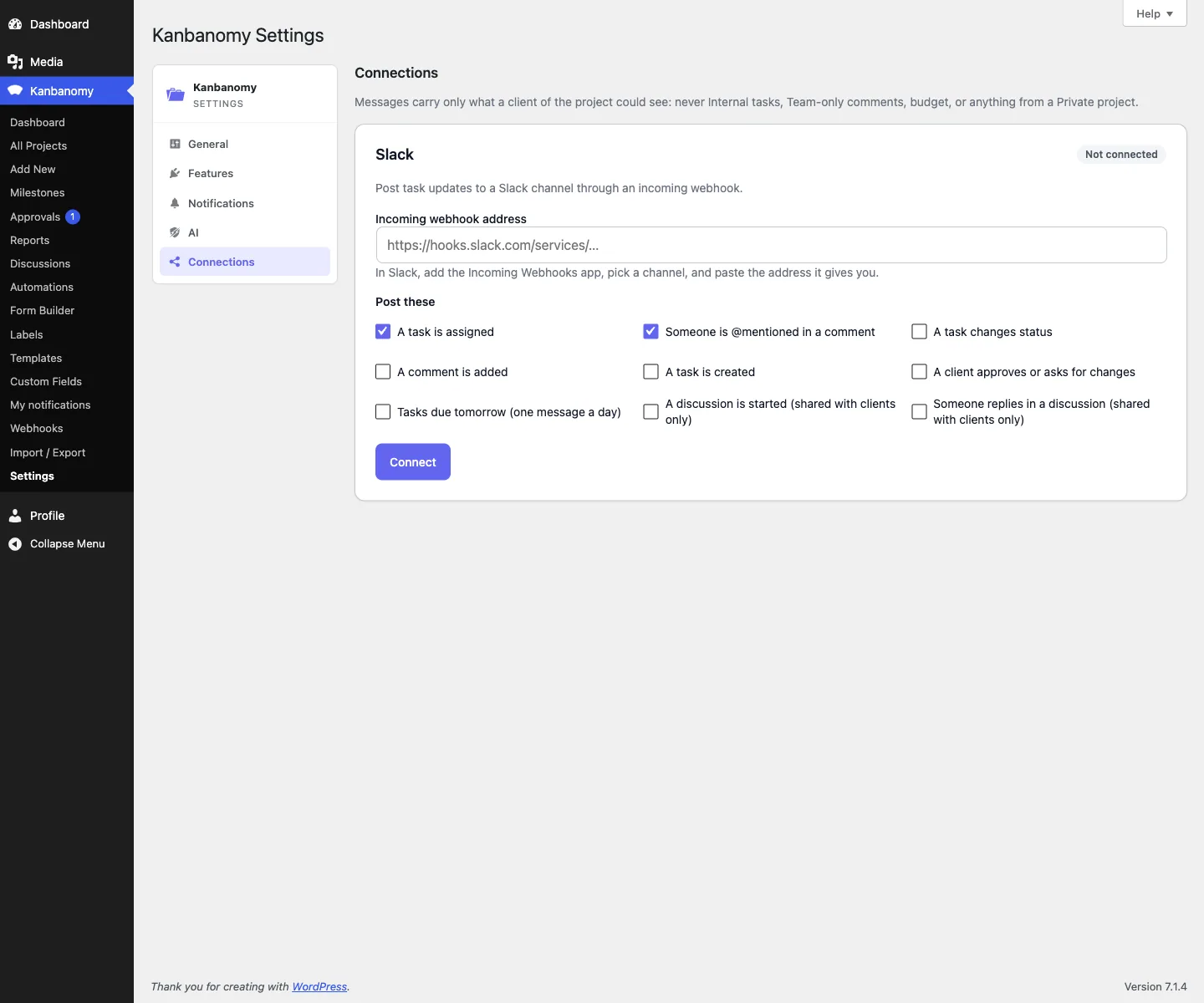
- Post task updates to Slack, and send signed webhooks to other tools.
- Link a project to a private BuddyPress group and its members join.
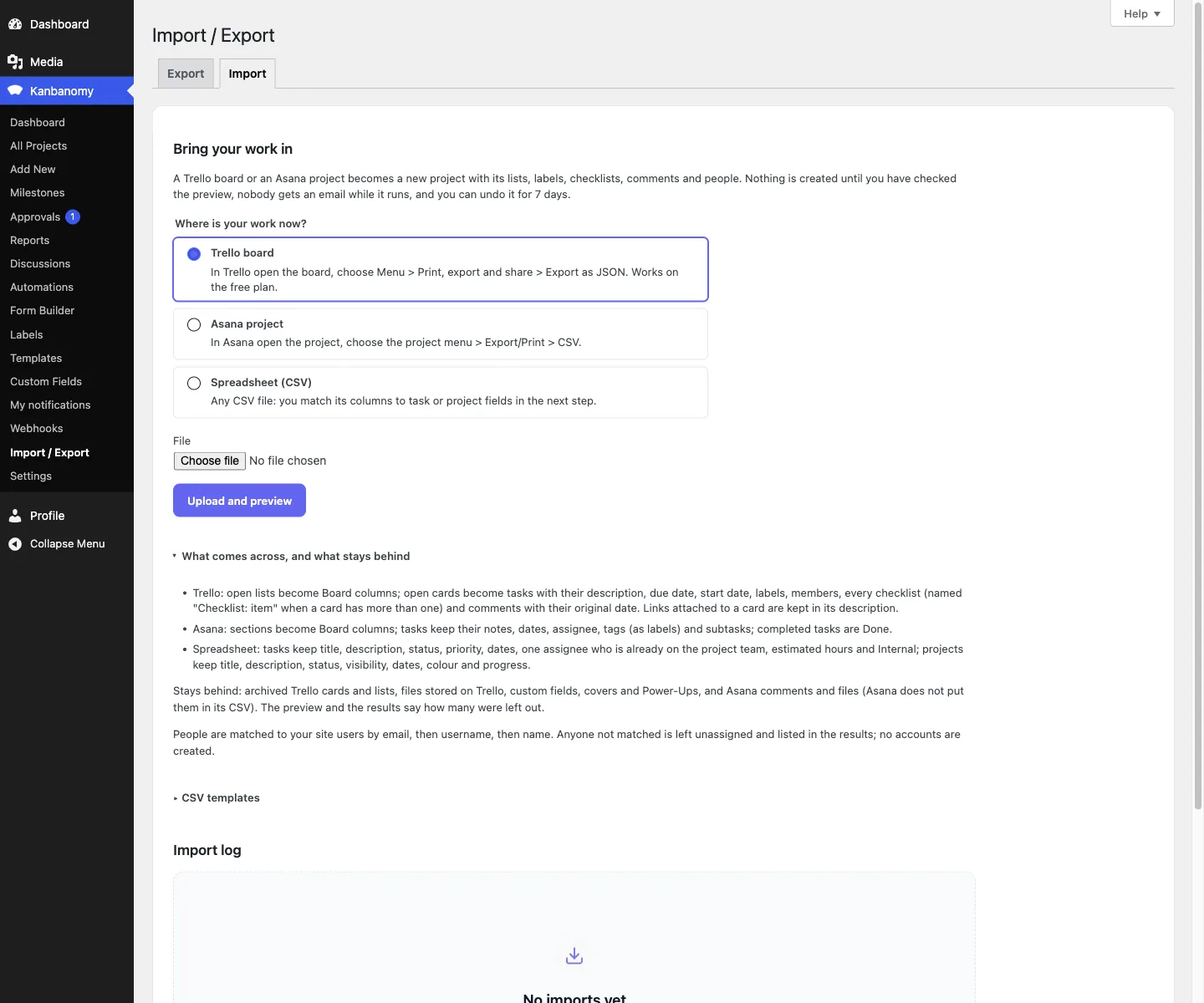
- Import from Trello, Asana or a spreadsheet, with a preview and a 7-day undo.
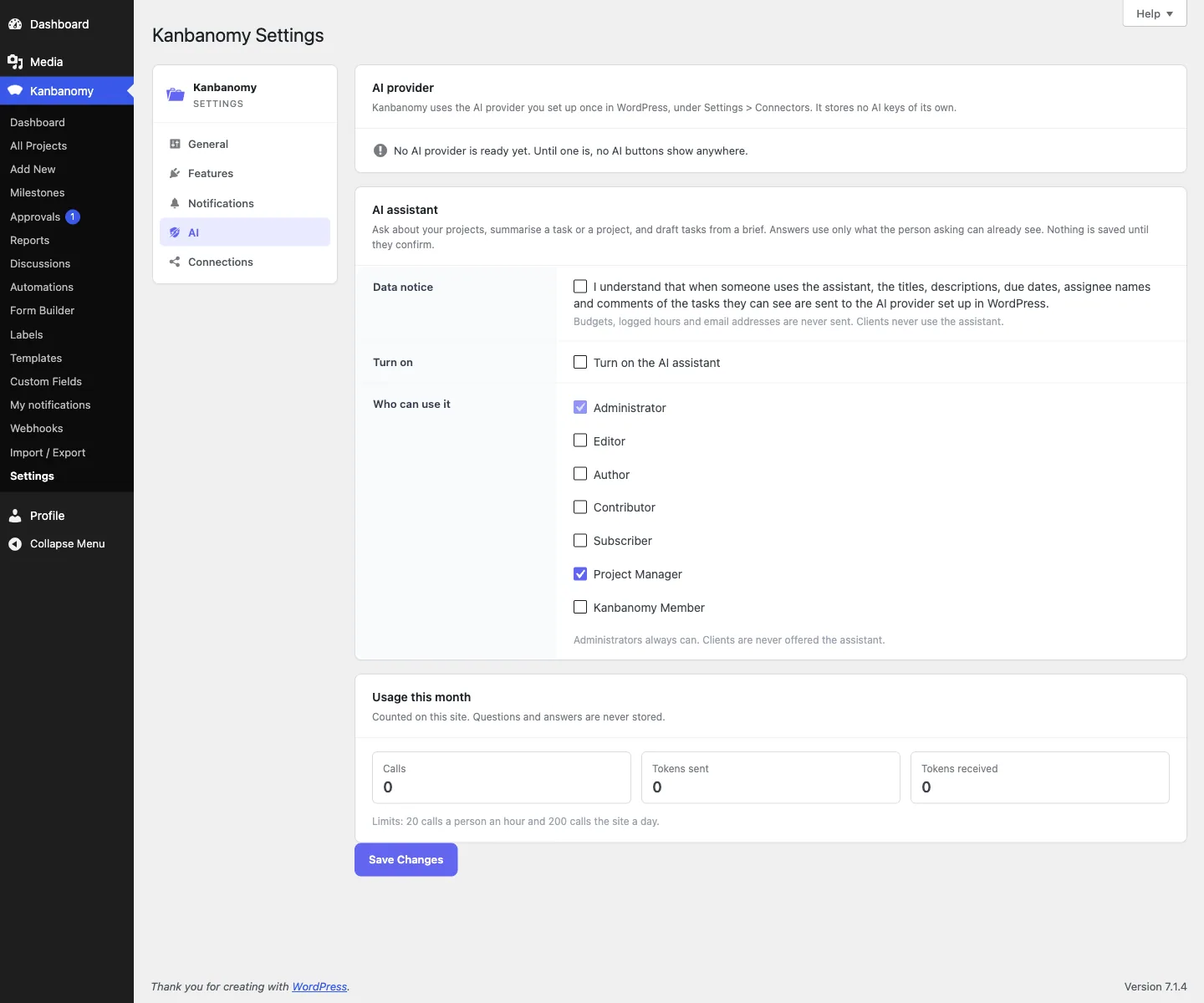
- An optional AI assistant, off by default, that sees only what the asker can see and never budgets.
Switch off what you do not need.
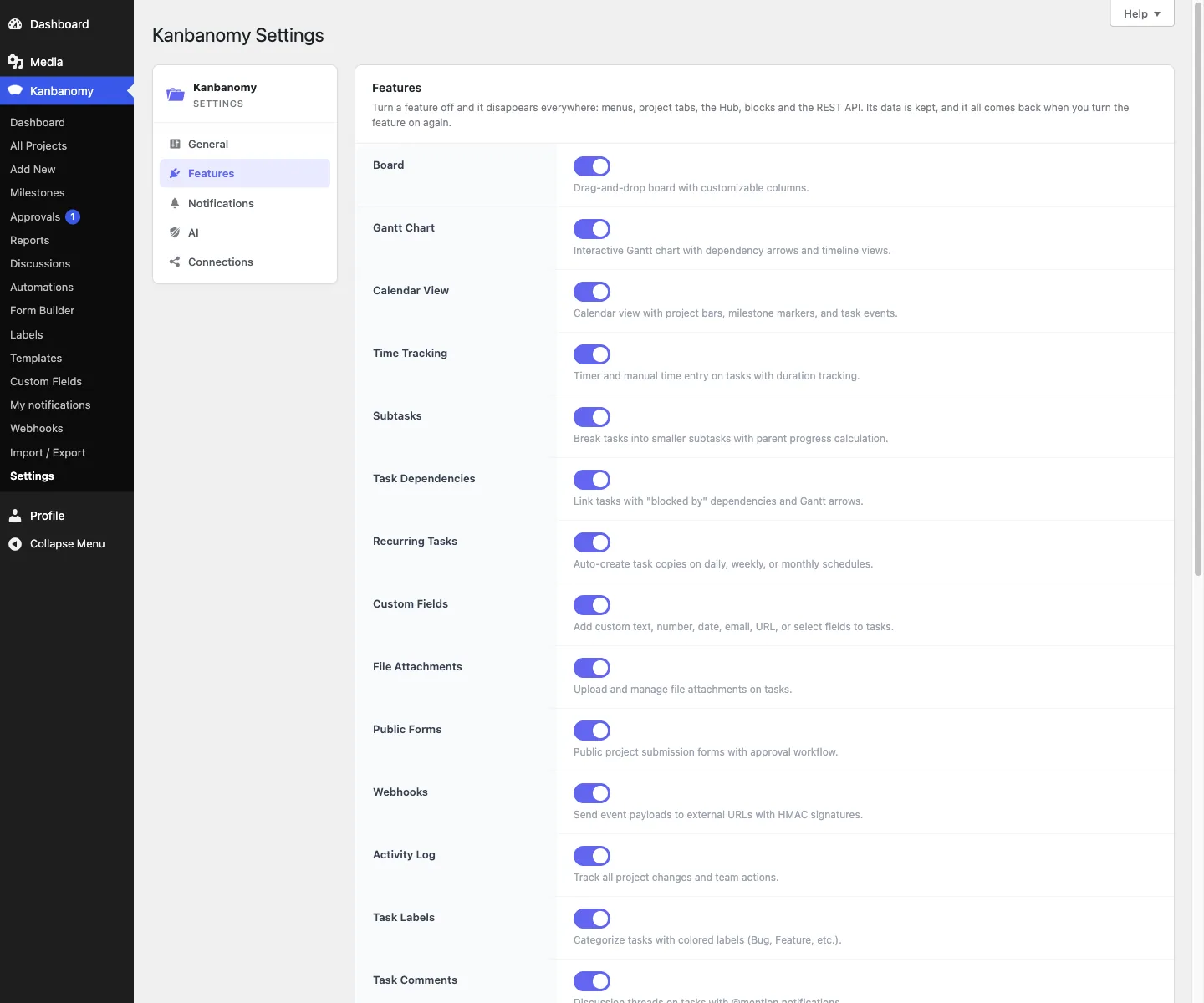
Fifteen feature switches. Turn one off and it disappears from menus, tabs, the Hub and the REST API. The data stays, and comes back when you switch it on again.
Questions about the features
What do I need to run it?
WordPress 7.0 or newer and PHP 8.1 to 8.5. There is no build step: install and activate. It creates 25 database tables, so confirm your backup covers the whole database. Scheduled work uses Action Scheduler when present, and WP-Cron otherwise.
Does it send my project data to an AI service?
Only if you turn the assistant on. It is off by default, uses the AI provider you set up in WordPress, sends only what the person asking can already see, and never sends budgets. Clients never get the assistant.
Will it slow my site down?
It was tested with 10,000 users, 2,007 projects and 100,023 tasks. Lists page on the server, so a 5,000-task project costs about the same as a 45-task one. Its scripts and styles load only on pages that use it.
Does it work with my theme?
It inherits your theme colours and ships dark mode and right-to-left support. It was checked on BuddyX, BuddyX Pro, Reign and Twenty Twenty-Five.
Can developers extend it?
Yes. There is a REST API, a module system and a documented hook surface. The developer guide is in the docs.
Is it translated?
It is fully translation-ready and ships a .pot template, but no bundled translations. You or a translator supply the .po file.
Run the work. Share the result.
Self-hosted project management with no per-user fee, no per-project fee and a one-time licence. Try the demo first, then pick the licence that fits your sites.